
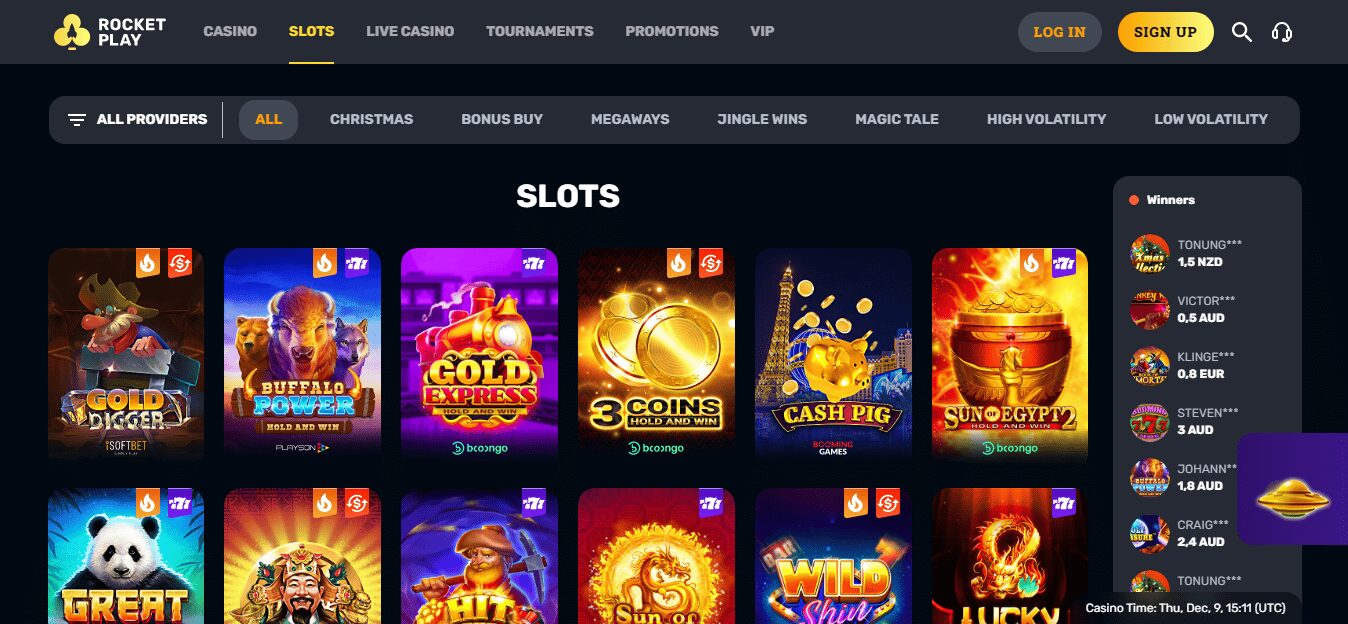
Any player’s journey at account login rocketcasino starts with a single registration form, but the real hub lies just beyond the login screen. The account dashboard is the place where all essential actions come together: depositing funds, tracking bonus balances, verifying identity, adjusting security settings, and managing responsible gambling tools. For Australian players, this interface has been crafted to present complex account operations in a clean, accessible layout that minimizes hassle without sacrificing depth. Once a new member finalizes the sign-up process and confirms their email address, the dashboard becomes the primary workspace. From that point onward, every transaction, document upload, and preference change goes through this secure environment. Comprehending how the dashboard is structured and what each section offers can avoid typical errors, speed up withdrawals, and help players retain total oversight over their activity. The following sections walk through the entire account lifecycle, from the moment an Australian resident hits the registration button to the ongoing management of a verified, fully secured player profile.
Setting Up Your Rocket Casino Account
The registration flow at Rocket Casino has been optimized to obtain only the details that Australian regulators and the platform’s own security protocols require. A prospective player starts by clicking a clearly marked sign-up button, which triggers a multi-step form. The first screen commonly asks for a valid email address and a strong password. Rocket Casino applies password complexity rules that commonly demand a minimum of eight characters, mixing uppercase and lowercase letters with at least one number or special symbol. After providing these credentials, the system transmits a verification email including a time-sensitive link. Clicking that link validates ownership of the email address and enables the account shell, though full functionality remains limited until additional details are submitted.
The next stage collects personal identifiers: full legal name, date of birth, residential address, and a mobile phone number. Australian players must be at least 18 years old, and the date-of-birth field is cross-checked automatically against this condition. The address supplied should match the documentation that will later be used for identity verification, because discrepancies between the registered address and a utility bill or bank statement are one of the most frequent causes of verification delays. Some versions of the registration form also require a preferred currency; Australian dollars are usually supported, but players should check the available options on the official site. At this point the player may find an optional field for a bonus code. Rocket Casino occasionally presents welcome incentives, and entering a valid code during sign-up ensures the offer is linked to the account from the start. Once all mandatory fields are completed and the terms and conditions are accepted, the account is fully created and the player is redirected to the login page or directly into the dashboard.
KYC Verification and Know Your Customer Requirements
Before any withdrawal can be processed, Rocket Casino demands every player to finish a Know Your Customer (KYC) verification. This process is mandated by Australian anti-money laundering legislation and by the licensing conditions under which the casino operates. The verification centre inside the dashboard directs the player through the required steps. Typically, the first document requested is a government-issued photo ID: an Australian driver’s licence, a passport, or a national identity card. The uploaded image must be clear, with all four corners visible and no glare obscuring the photograph or text. The system may reject scans that are cropped, blurred, or taken from a screen rather than the original physical document.

The second standard requirement is proof of address. A recent utility bill, bank statement, or official government correspondence dated within the last three months usually fulfills this check. The name and address on the document must exactly match the details registered in the player’s profile. Even minor mismatches—such as a missing apartment number or a slightly different spelling—can cause the verification team to request a new document. In some cases, Rocket Casino may also ask for proof of payment method hr.ubc.ca ownership. If a player deposits with a credit or debit card, a photo of the card with the middle digits obscured and the name visible might be needed. The review process is generally finished within 24 to 48 hours, though peak periods can extend this timeline. Players can track the status in the dashboard, and if additional information is required, a notification appears alongside clear instructions. Once the account is fully verified, all withdrawal restrictions are lifted, and future cash-outs proceed with fewer manual checks.
Managing Personal Details and Responsible Gambling Settings
The dashboard provides a special profile section where players can keep their personal information current. Modifying a mobile number or email address is typically straightforward and takes effect immediately after a confirmation code is entered. However, altering core identity fields such as the legal name or date of birth is intentionally restricted. Because these fields are tied to the KYC verification, any alteration demands a manual review by the compliance team and the submission of supporting legal documents, such as a marriage certificate or a government-issued change-of-name certificate. This friction is a deliberate safeguard against identity fraud and account takeovers.
Equally important is the set of responsible gambling controls embedded in the same dashboard area. Australian players can set deposit limits on a daily, weekly, or monthly basis. Once a limit is lowered, the change typically takes effect immediately, while requests to increase a limit are subject to a cooling-off period—often 24 hours or more—to discourage impulsive decisions. Session time reminders can be adjusted to display a pop-up after a chosen number of minutes, helping players stay aware of how long they have been playing. Reality checks that show net win or loss data for the current session add another layer of transparency. For those who need a longer break, the dashboard offers temporary self-exclusion options ranging from 24 hours to several months. During a self-exclusion period, login is blocked and marketing communications are suspended. Permanent account closure is also available through a support request, which triggers a final balance withdrawal and an irreversible block. All these tools sit alongside the entertainment features, making it clear that player protection is not an afterthought but an integrated part of the Rocket Casino experience.
Sign-In Safety and 2FA
Logging into the Rocket Casino dashboard is protected by multiple layers of security that begin at the login screen. The player must enter the email address and password chosen during registration. The platform encrypts these credentials in transit using conventional TLS protocols, and passwords are kept as salted hashes rather than plain text. To guard against brute-force attacks, the system usually enforces a temporary lockout after a short number of consecutive failed attempts. This lockout period, commonly around 15 to 30 minutes, discourages automated guessing while still enabling the legitimate account owner to recover access after a short wait or through the password recovery flow.
For players who want an additional barrier, Rocket Casino may provide two-factor authentication (2FA) as an opt-in feature. When enabled, 2FA demands a time-based one-time code created by an authenticator app including Google Authenticator or Authy, or sent via SMS, in addition to the regular password. Setting up 2FA is done inside the dashboard’s security settings. The player scans a QR code with their authenticator app, inputs a test code to verify the link, and then obtains a set of backup recovery codes. These recovery codes should be stored offline because they are the only way to recover access if the authenticator device is misplaced or reset. Enabling 2FA greatly reduces the risk of illegitimate access, even if a password is compromised through phishing or data breaches on other sites. Players who frequently log in from shared or public networks will find this extra step notably valuable. Rocket Casino’s support team can help with 2FA resets, though the identity verification process will be repeated to confirm ownership of the account before the feature is deactivated.
Using the Account Dashboard
Upon logging in, the player reaches a dashboard that acts as a central command post. The top banner typically shows the current real-money balance and any separate bonus balance, with a prominent deposit button nearby. This immediate visibility of funds helps players take quick decisions about topping up or withdrawing. Below the financial summary, the dashboard is organized into logical sections that can be navigated through a sidebar or tabbed navigation. A transaction history panel displays recent deposits, withdrawals, and gameplay-related adjustments, each tagged with a status such as “pending,” “completed,” or “failed.” This running log gives players an audit trail they can consult if a payment appears delayed or if they need to verify that a bonus has been credited correctly.
Another core area is the profile management section, where personal details, contact preferences, and communication settings are located. Here a player can change their mobile number or email address, though changes to the registered name or date of birth usually require a support ticket due to anti-fraud controls. The dashboard also contains the verification centre, a dedicated space where identity documents are uploaded and their review status is shown. A traffic-light system—red for not submitted, amber for under review, green for verified—gives an at-a-glance indicator of how close the account is to full withdrawal eligibility. Additionally, responsible gambling tools are incorporated directly into the dashboard rather than buried in a separate menu. Deposit limits, session time reminders, and self-exclusion options sit alongside the financial controls, reinforcing the operator’s commitment to player safety. The overall layout is arranged so that a player can transition from checking a balance to uploading a document or setting a loss limit in just a few clicks.
Frequent Dashboard Issues and How to Fix Them
Even a well-designed dashboard can sometimes present technical hiccups, and understanding how to identify them saves time and frustration. One of the most common issues is a dashboard that fails to load fully or shows broken elements. This is often caused by an outdated browser or by browser cache files that interfere with a recent platform update. Clearing the browser cache and cookies, then restarting the browser, solves the bulk of these display problems. If the issue continues, switching to a different up-to-date browser—such as Chrome, Firefox, or Edge—often provides an instant solution. Players using mobile devices should ensure their operating system and browser app are updated to the latest version.
Another common concern involves balance discrepancies. A deposit might display as completed on the payment provider’s side but not yet visible in the casino balance. In the majority of cases, the transaction is simply processing, and the funds show up within a few minutes. If a deposit remains missing after 30 minutes, the player should find the transaction ID from their bank or e-wallet statement and forward it to Rocket Casino’s support team through live chat or email. Withdrawal delays can also lead to worry. A pending withdrawal status that remains beyond the standard processing window—often 24 to 72 hours for the casino’s internal review—may suggest that additional verification is needed. The dashboard’s verification section will display if any documents are missing. Sometimes, a withdrawal is delayed because the player has not met bonus wagering requirements; the bonus terms tracker, if available, details the remaining playthrough. When the dashboard’s self-help indicators do not clarify the delay, reaching out to support with the withdrawal reference number is the quickest way to a resolution. Proactive players who keep their documents current and monitor the dashboard’s status indicators hardly ever encounter extended disruptions.
Password Reset and Access to Account Troubleshooting
Forgetting a password is a common friction point, and Rocket Casino has built a self-service recovery mechanism that eliminates unnecessary delays. On the login page, a “Forgot Password” link initiates a basic workflow. The player types the email address associated with their account and sends the request. Within a few minutes, an automated message arrives containing a distinctive, time-limited reset link. Tapping that link loads a secure page where a new password can be established. The same complexity rules that applied during registration are enforced again, so the new password must fulfill length and character variety requirements. After the password is modified, all active sessions on other devices are usually terminated as a security precaution, prompting a fresh login everywhere.
Sometimes the reset email does not show up. The most common causes are an incorrectly typed email address at the start of the process, or the message being routed to a spam or promotions folder. Players should verify the spelling and search all email folders before trying the reset again. If the account has been locked due to repeated failed login attempts, the lockout timer must run out before a password reset can be initiated; contacting customer support will not override this security measure. Another frequent obstacle is the utilization of a VPN or proxy service that masks the player’s IP address. Rocket Casino’s security systems may mark sudden geographic changes as suspicious, momentarily restricting login until the player confirms the activity through an email confirmation. Deleting the browser cache and cookies, or testing a different browser entirely, often resolves login loops caused by corrupted local data. When all self-help steps are unsuccessful, the support team can manually confirm the player’s identity using previously submitted KYC documents and regain access, though this process requires longer than the automated reset.